

Essential Insights
- Clicking malicious links can trigger automatic malware downloads, exploiting vulnerabilities through drive-by attacks, malicious ads, or phishing sites, often without visible signs.
- Attackers can use browser exploits and session hijacking to steal credentials, impersonate users, and access sensitive accounts or networks, leading to costly data breaches.
- Immediate actions should include disconnecting from the internet, backing up essential files, running full malware scans, changing passwords, and monitoring accounts for suspicious activity.
- Advanced threats employ exploit kits and fileless techniques to evade detection, making swift and comprehensive response crucial to prevent extensive damage.
The Issue
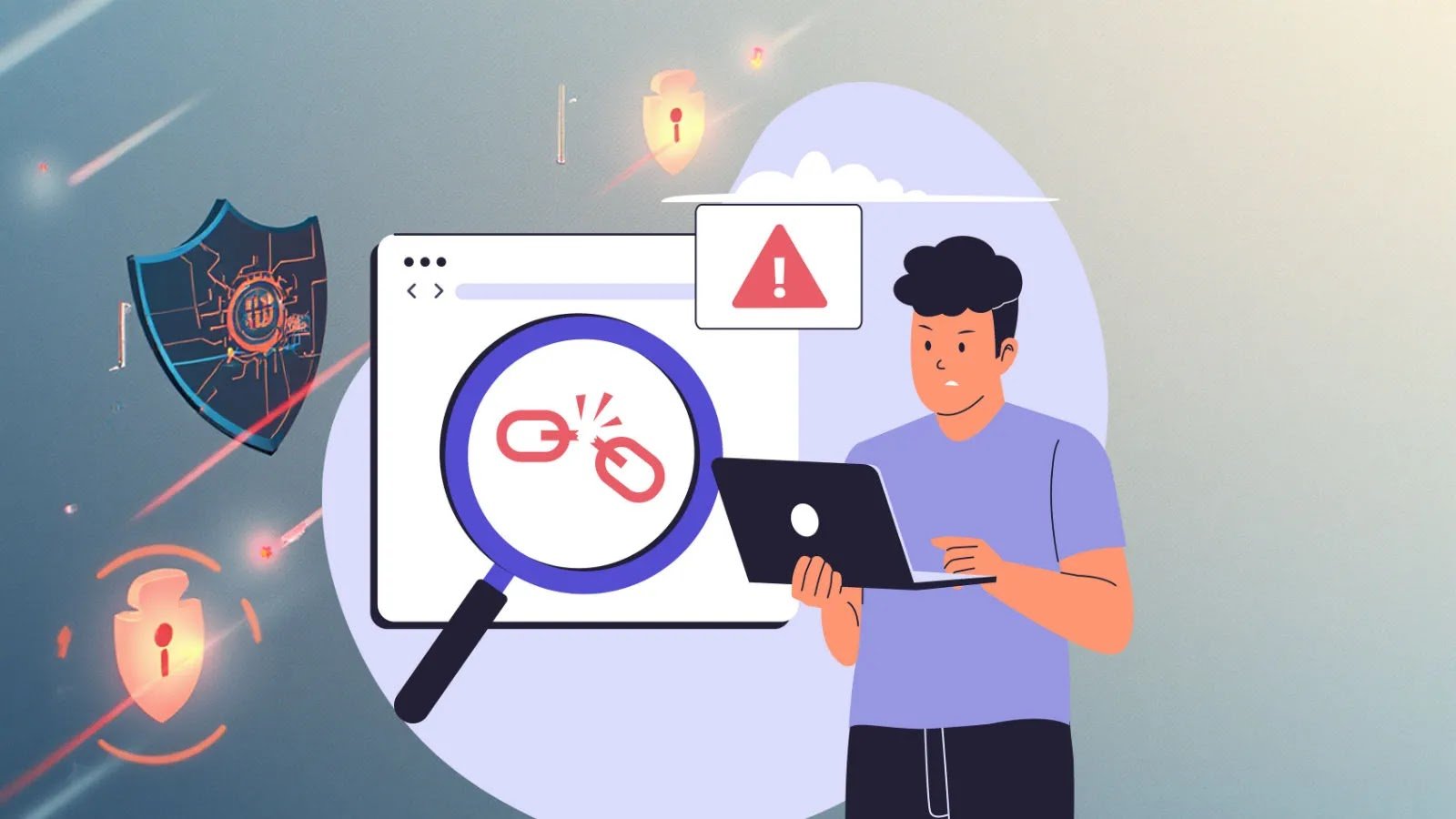
The story recounts the peril faced by digital users who unwittingly click on malicious links, setting off a cascade of dangerous cyber events. Once a harmful link is activated, it can trigger automatic malware downloads—often utilizing exploit kits that target system vulnerabilities—and operate stealthily to install ransomware, keyloggers, or remote access tools. These attacks exploit weaknesses in browsers or plugins through drive-by downloads or session hijacking techniques, allowing cybercriminals to steal personal information, hijack online sessions, or access sensitive accounts without immediate detection. The narrative emphasizes that modern cyber threats have become sophisticated, involving artificial intelligence-driven content and multi-vector attack strategies, making prompt, decisive action essential to contain the damage and prevent data breaches costing victims significant financial and reputational harm.
Reported from a cybersecurity awareness perspective, the article details essential steps for users when encountering suspicious links: disconnect immediately from the internet to halt ongoing malicious processes, back up vital data to protect against loss, run comprehensive malware scans with updated security software, and change passwords for compromised accounts—especially those used during the incident. It also stresses vigilant monitoring of accounts and prompt reporting of incidents to authorities and organizations. The account underscores that attackers now employ advanced techniques such as cross-site scripting and session hijacking, exploiting legal trust relationships to maximize damage, which explains why understanding and executing rapid response protocols are critical to safeguarding personal and organizational digital assets.
Potential Risks
Clicking a malicious link can rapidly transform a device into a cyber threat, triggering automatic malware downloads, exploiting browser or system vulnerabilities through drive-by attacks, and enabling session hijacking, which allows attackers to impersonate users and access sensitive data. These sophisticated threats, powered by exploit kits, AI, and fileless techniques, operate stealthily, often without immediate detection, and can lead to severe consequences such as data breaches, financial loss, and compromised privacy. Immediate actions—disconnecting from the internet, backing up essential data, running comprehensive malware scans, changing passwords, and monitoring accounts—are critical to minimizing damage and preventing further infiltration. Failure to respond swiftly can result in costly, protracted recovery processes, loss of sensitive information, and long-term security breaches, underscoring the importance of rapid, informed responses to suspicious links for both individual and organizational cybersecurity.
Possible Action Plan
Quick action after clicking a malicious link is crucial to minimize damage and prevent further security breaches. Prompt remediation can help contain threats, safeguard sensitive data, and restore system integrity, ultimately reducing the risk of long-term consequences.
Disconnect
Immediately disconnect the device from the network to prevent the spread of malware and limit access to other connected systems.
Scan
Run a comprehensive antivirus or anti-malware scan to detect and identify any malicious software installed.
Change
Change all relevant passwords, especially for sensitive accounts, to prevent unauthorized access if credentials have been compromised.
Assess
Evaluate the extent of the breach by checking system logs, recent activities, and data access points to understand the attack’s scope.
Restore
Restore affected systems from clean backups to ensure that any residual malware is eliminated and systems are returned to a secure state.
Continue Your Cyber Journey
Stay informed on the latest Threat Intelligence and Cyberattacks.
Explore engineering-led approaches to digital security at IEEE Cybersecurity.
Disclaimer: The information provided may not always be accurate or up to date. Please do your own research, as the cybersecurity landscape evolves rapidly. Intended for secondary references purposes only.
Cyberattacks-V1
