

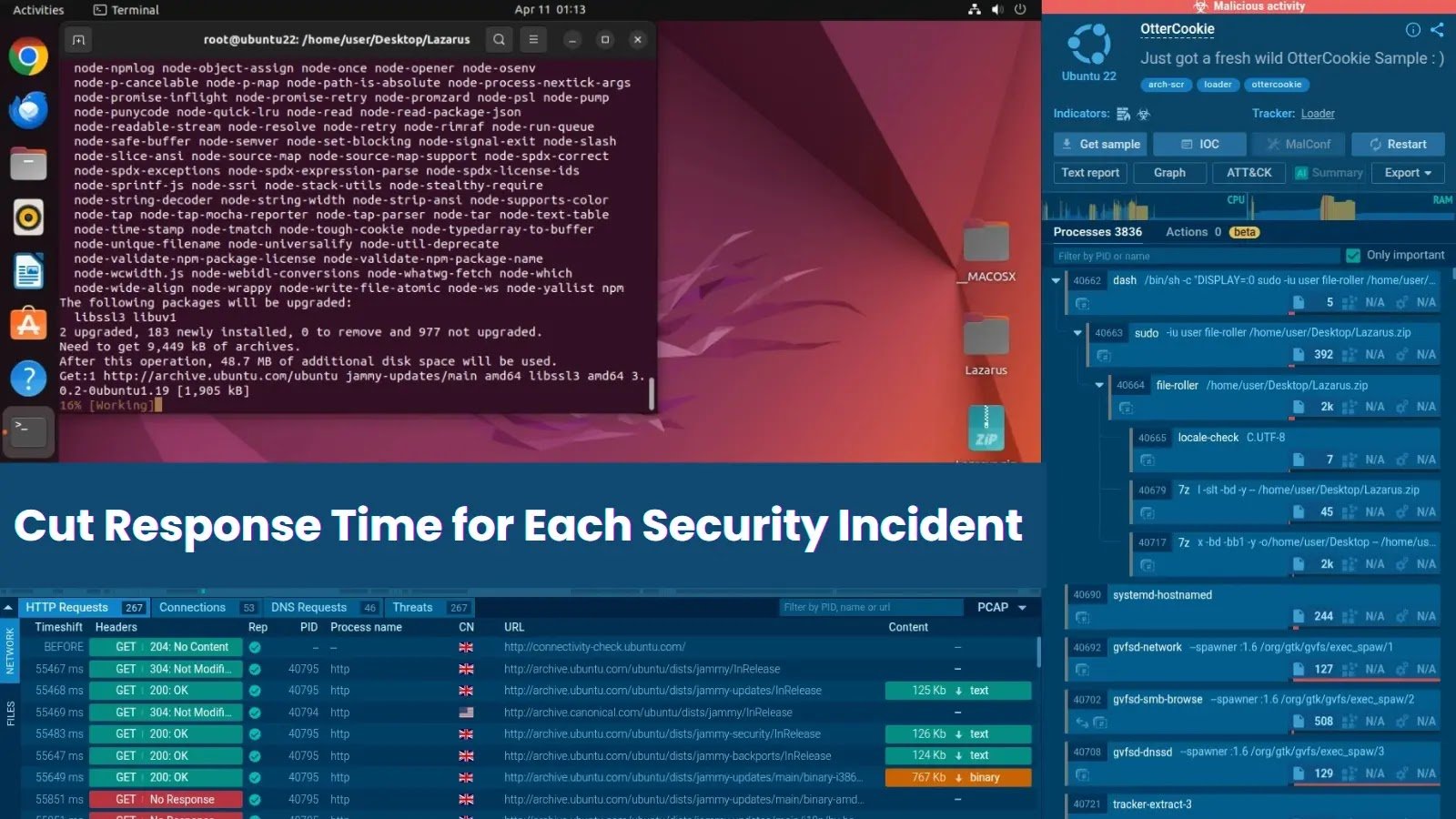
Fast Facts
- Interactive sandbox solutions like ANY.RUN significantly reduce Mean Time to Respond (MTTR) by enabling in-depth, real-time threat analysis and human interaction with malware.
- The platform enhances threat detection capabilities, identifying up to 58% more threats and speeding up investigations in 95% of cases.
- Key features include automated repetitive tasks, immediate threat behavior insights, and the ability to explore malware actions interactively, which accelerates incident response.
- Effective use of such tools empowers SOC teams to act faster, improve detection accuracy, and focus on high-value strategic tasks, ultimately strengthening organizational defenses.
What’s the Problem?
The article describes how the use of Interactive Sandbox by ANY.RUN significantly enhances security operations centers (SOCs) in their fight against cyber threats. When a malicious incident occurs, rapid detection and response are critical, yet traditional automation often provides only superficial insights, leaving teams grappling with slow reaction times and limited understanding. ANY.RUN’s interactive approach addresses these challenges by allowing analysts to actively investigate threats in real-time through an intuitive interface, exploring malware behavior directly and swiftly. For instance, in a real-world case involving a seemingly benign PDF that was actually a phishing attempt, the sandbox identified the malicious activity within seconds, enabling rapid escalation and remediation. This proactive and detailed inspection reduces mean time to respond (MTTR) by an average of 21 minutes, improves threat detection by up to 58%, and accelerates investigation processes in 95% of cases, ensuring organizations can neutralize dangers before they cause significant damage.
The story highlights that this innovative platform not only streamlines incident response but also automates repetitive tasks like opening links and solving CAPTCHAs, freeing security analysts to focus on strategic threats. The combination of real-time visibility, interactive investigation, and automation equips SOC teams with a powerful tool to gain deeper insights, act faster, and minimize vulnerabilities. By providing a faster, more thorough understanding of threats, ANY.RUN’s sandbox elevates cybersecurity defenses, making organizations more resilient against sophisticated attacks such as those linked to notorious groups like Lazarus APT. The report underscores the importance of adopting such advanced solutions to stay ahead in the ever-evolving landscape of cyber threats.
Risk Summary
Cyber risks pose significant threats to organizations by enabling malicious actors to exploit vulnerabilities through tactics like phishing, malware, and sophisticated APT campaigns, leading to data breaches, financial loss, and reputational damage. Rapid incident response is crucial, as delays increase the window for attackers to inflict harm. Traditional automated tools often provide superficial insight, hampering swift, informed action. In contrast, interactive sandbox solutions like ANY.RUN empower SOC teams by offering real-time visibility and hands-on analysis, dramatically reducing mean time to respond (MTTR)—by up to 21 minutes per incident—and increasing threat detection efficacy by up to 58%. This approach enables teams to investigate threats more deeply, automate routine tasks, and respond faster, ultimately strengthening an organization’s security posture against evolving cyber threats before they escalate.
Possible Remediation Steps
Quick action in addressing security incidents is vital because delays can allow threats to escalate, cause greater damage, and compromise organizational integrity. Rapid remediation not only minimizes potential harm but also enhances overall security resilience.
Immediate Detection
Implement continuous monitoring tools to identify incidents as they occur. Use intrusion detection systems and real-time alerts to ensure no threat goes unnoticed.
Rapid Containment
Isolate affected systems swiftly to prevent lateral movement of the threat. Disconnect compromised devices from the network immediately.
Prioritized Response
Establish a clear incident response plan with predefined roles and procedures. Assign priority levels to incidents based on severity and potential impact.
Efficient Communication
Maintain open lines of communication within the team and with external partners. Use secure channels to relay critical information quickly.
Timely Documentation
Record every step taken during remediation. Accurate documentation aids in analysis and future prevention measures.
Automated Remediation
Leverage automation to deploy patches, disable accounts, or quarantine files instantly, reducing human response time.
Post-Incident Review
Conduct a thorough analysis after containment to identify root causes and improve response strategies for future incidents.
Stay Ahead in Cybersecurity
Explore career growth and education via Careers & Learning, or dive into Compliance essentials.
Understand foundational security frameworks via NIST CSF on Wikipedia.
Disclaimer: The information provided may not always be accurate or up to date. Please do your own research, as the cybersecurity landscape evolves rapidly. Intended for secondary references purposes only.
Cyberattacks-V1
