

Summary Points
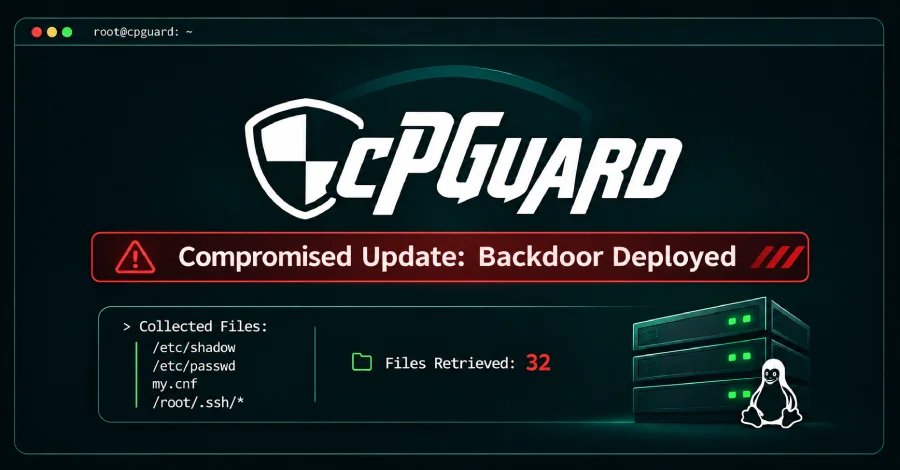
- cPGuard’s update system was breached: malicious updates 5.88.12–5.88.19 reached servers on November 2; about 2,950 servers ran the script.
- Stolen data included password hashes, SSH keys, database and cloud credentials, and shell history—and was sent to an attacker-controlled server.
- Update cPGuard immediately, remove any remaining backdoor and scheduled-task files, and treat affected or uncertain servers as potentially compromised.
- Rotate all exposed passwords, keys, and tokens, reset the OPSSHIELD billing password, and enable two-factor authentication; billing records for about 7,900 accounts were also taken.
A Trusted Update Channel Turns Against Customers
On November 2, an attacker broke into cPGuard’s update system and sent a malicious script to Linux servers. The script appeared in versions 5.88.12 through 5.88.19. According to the company, about 2,950 customer servers ran it before security staff stopped its spread.
The script installed a hidden backdoor and copied password hashes, SSH keys, database credentials, and other sensitive files. It also left a scheduled task that could run again. Password hashes do not reveal passwords immediately, but attackers can test guesses against them. Other stolen secrets, such as keys and database passwords, may offer more direct access.
The attacker first entered the company’s billing and licensing system through a fake customer account, then stole the key used to publish updates. The breach also exposed billing records for about 7,900 accounts. Those records included contact details and passwords stored as protected hashes.
Updates Help, but Recovery Requires More
The company says version 5.88.26 removes the backdoor; a later update removes the scheduled task. Administrators should install the latest release, check for leftover files, and review update logs. However, a clean log or missing file does not prove that a server escaped the attack.
If a server may have run the script, its administrator should reset local passwords and replace SSH keys. They should also change database passwords and rotate cloud-service keys or other secrets that the script could have read. The company does not recommend rebuilding every server by default, but it advises case-by-case review when signs of further access appear.
The incident shows why automatic updates matter—and why they need strong safeguards. Updates let security fixes reach many systems quickly, a practical benefit for organizations with limited staff. Yet attackers can exploit that same reach when they compromise an update channel. For businesses and the people who depend on their services, careful verification and a clear recovery plan help keep convenience from becoming a single point of failure.
Stay Ahead with the Latest Tech Trends
Dive deeper into the world of Cryptocurrency and its impact on global finance.
Discover archived knowledge and digital history on the Internet Archive.
DataProtection-V1
