
Close Menu
  • Home
  • Cybercrime and Ransomware
  • Emerging Tech
  • Threat Intelligence
  • Expert Insights
  • Careers and Learning
  • Compliance

Subscribe to Updates

Subscribe to our newsletter and never miss our latest news

Subscribe my Newsletter for New Posts & tips Let's stay updated!

What's Hot

Singapore Crafts National AI Governance Strategy

June 3, 2026

Secure the Future: Protecting Code, Agents, and Models Throughout Development

June 2, 2026

Ransomware novice breaches core operational security protocol

June 2, 2026
Facebook X (Twitter) Instagram
The CISO Brief
  • Home
  • Cybercrime and Ransomware
  • Emerging Tech
  • Threat Intelligence
  • Expert Insights
  • Careers and Learning
  • Compliance
Home » AWS Trusted Advisor Misleads: Unprotected S3 Buckets Shown as Secure
Cybercrime and Ransomware

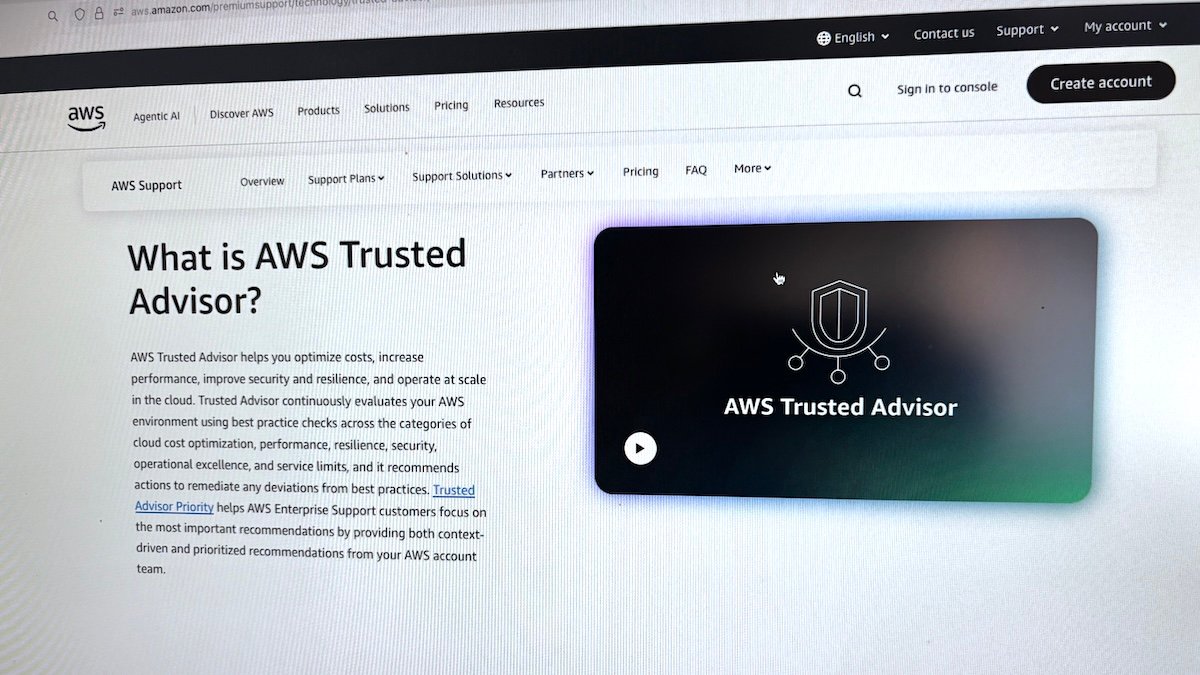
AWS Trusted Advisor Misleads: Unprotected S3 Buckets Shown as Secure

Staff WriterBy Staff WriterAugust 22, 2025No Comments4 Mins Read3 Views
Facebook Twitter Pinterest LinkedIn Tumblr Email
Share
Facebook Twitter LinkedIn Pinterest WhatsApp Email

Top Highlights

  1. AWS fixed a vulnerability where attackers could manipulate S3 bucket policies to bypass Trusted Advisor’s security alerts, preventing detection of open or publicly accessible buckets.
  2. The flaw involved setting specific deny actions (‘s3:GetBucketAcl’, ‘s3:GetPublicAccessBlock’, ‘s3:GetBucketPolicyStatus’) to thwart Trusted Advisor checks, enabling data exfiltration without warning.
  3. Attackers would need prior access to the AWS environment to exploit this weakness, but the issue highlighted gaps in automatic security flagging for S3 permissions.
  4. AWS issued a partial fix in May, followed by a complete patch in June, and advised customers to review and align their S3 permissions with security best practices, noting previous misreporting of bucket safety status.

Underlying Problem

Researchers at Fog Security uncovered a significant vulnerability in AWS Trusted Advisor’s security checks related to S3 bucket permissions. They demonstrated that an attacker with prior access to an AWS environment could manipulate bucket policies to deny specific actions—such as ‘s3:GetBucketAcl’ and ‘s3:GetPublicAccessBlock’—thereby preventing Trusted Advisor from flagging publicly accessible or misconfigured S3 buckets. This bypass enabled the attacker to set buckets to allow anonymous access and exfiltrate data unnoticed, as the security tool relied on these actions to identify vulnerabilities. Although an attacker would need initial access to the target environment, the flaw highlighted a loophole in AWS’s security assessment process. AWS responded by deploying a fix in late June after an incomplete patch in late May, and notified customers, urging them to review their permissions and understand that certain policy configurations could lead to unchecked exposure—underscoring the importance of proactive security hygiene. The story is reported by security researchers and AWS officials, emphasizing the ongoing need for vigilance in cloud security management.

Security Implications

AWS recently addressed a vulnerability that could have allowed attackers, after gaining access to a customer’s environment, to bypass Trusted Advisor’s security checks for S3 buckets by modifying bucket policies to deny certain audit actions like ‘s3:GetBucketAcl’ and ‘s3:GetPublicAccessBlock,’ thereby preventing the tool from flagging publicly accessible or misconfigured buckets. This loophole enabled malicious actors to configure buckets with open and anonymous permissions through policies and ACL adjustments, facilitating data exfiltration without triggering alerts. While AWS issued a patch in late June following an early May discovery by Fog Security, the flaw highlighted the risk that malicious insiders or skilled intruders could manipulate permissions to evade security monitoring, emphasizing the need for continuous review of S3 bucket configurations and awareness of potential false negatives in automated security tools—underscoring the critical importance of layered security measures in cloud environments.

Possible Actions

Recognizing and swiftly addressing the issue of AWS Trusted Advisor falsely indicating unprotected S3 buckets as secure is crucial to maintaining data security and avoiding potential breaches or data leaks. Prompt remediation helps prevent attackers from exploiting perceived vulnerabilities and ensures compliance with organizational security standards.

Mitigation Steps

Validate Recommendations

  • Cross-check Trusted Advisor findings against actual S3 bucket configurations to confirm accuracy.

Review Bucket Policies

  • Examine the access policies of flagged buckets and tighten permissions where necessary.

Update Access Controls

  • Enforce the principle of least privilege by restricting access rights to only authorized users and roles.

Implement Encryption

  • Enable encryption for data at rest and in transit to enhance security.

Audit Permissions

  • Use AWS IAM policies and bucket policies to audit and remove overly permissive settings.

Use S3 Block Public Access

  • Activate Block Public Access settings to prevent accidental public exposure.

Conduct Regular Scans

  • Schedule periodic security assessments and automated scans to detect misconfigurations early.

Enable CloudTrail

  • Monitor and log access and configuration changes for accountability and troubleshooting.

Seek Expert Guidance

  • Consult AWS security specialists for advanced configuration reviews and best practices.

Update Trust Advisor Settings

  • Ensure that Trusted Advisor and related tools are correctly configured and updated to minimize false positives.

Continue Your Cyber Journey

Stay informed on the latest Threat Intelligence and Cyberattacks.

Explore engineering-led approaches to digital security at IEEE Cybersecurity.

Disclaimer: The information provided may not always be accurate or up to date. Please do your own research, as the cybersecurity landscape evolves rapidly. Intended for secondary references purposes only.

Cyberattacks-V1

AWS AWS Trusted Advisor CISO Update Cybersecurity MX1 S3 security bypass
Share. Facebook Twitter Pinterest LinkedIn Tumblr Email
Previous ArticleAtomic macOS Stealer Campaign Targets Hundreds
Next Article Colt Confirms Customer Data Breach After Ransomware Attack
Avatar photo
Staff Writer
  • Website

John Marcelli is a staff writer for the CISO Brief, with a passion for exploring and writing about the ever-evolving world of technology. From emerging trends to in-depth reviews of the latest gadgets, John stays at the forefront of innovation, delivering engaging content that informs and inspires readers. When he's not writing, he enjoys experimenting with new tech tools and diving into the digital landscape.

Related Posts

Secure the Future: Protecting Code, Agents, and Models Throughout Development

June 2, 2026

Ransomware novice breaches core operational security protocol

June 2, 2026

Gamaredon Uses WinRAR to Deploy GammaWorm and GammaSteel Malware

June 2, 2026

Comments are closed.

Latest Posts

Mustang Panda Deploys PlugX RAT via Multi-Stage LNK and PowerShell Attack Chain

June 2, 2026

Anthropic extends Project Glasswing Claude Mythos preview to 150 new organizations

June 2, 2026

Urgent: Two-Year-Old Oracle WebLogic Vulnerability Under Active Attack

June 2, 2026

CISA Warns of PAN-OS Vulnerability Exploited in Attacks

June 2, 2026
Don't Miss

Secure the Future: Protecting Code, Agents, and Models Throughout Development

By Staff WriterJune 2, 2026

Microsoft introduces advanced security tools like MDASH and integrated workflows to detect, validate, and remediate…

Ransomware novice breaches core operational security protocol

June 2, 2026

Gamaredon Uses WinRAR to Deploy GammaWorm and GammaSteel Malware

June 2, 2026

Subscribe to Updates

Subscribe to our newsletter and never miss our latest news

Subscribe my Newsletter for New Posts & tips Let's stay updated!

Recent Posts

  • Singapore Crafts National AI Governance Strategy
  • Secure the Future: Protecting Code, Agents, and Models Throughout Development
  • Ransomware novice breaches core operational security protocol
  • FBI-Flagged Phishing Kit Kali365 Extends Its Reach
  • Gamaredon Uses WinRAR to Deploy GammaWorm and GammaSteel Malware
About Us
About Us

Welcome to The CISO Brief, your trusted source for the latest news, expert insights, and developments in the cybersecurity world.

In today’s rapidly evolving digital landscape, staying informed about cyber threats, innovations, and industry trends is critical for professionals and organizations alike. At The CISO Brief, we are committed to providing timely, accurate, and insightful content that helps security leaders navigate the complexities of cybersecurity.

Facebook X (Twitter) Pinterest YouTube WhatsApp
Our Picks

Singapore Crafts National AI Governance Strategy

June 3, 2026

Secure the Future: Protecting Code, Agents, and Models Throughout Development

June 2, 2026

Ransomware novice breaches core operational security protocol

June 2, 2026
Most Popular

Protecting MCP Security: Defeating Prompt Injection & Tool Poisoning

January 30, 202632 Views

Unlock the Power of Free WormGPT: Harnessing DeepSeek, Gemini, and Kimi-K2 AI Models

November 27, 202530 Views

The New Face of DDoS is Impacted by AI

August 4, 202528 Views

Archives

  • June 2026
  • May 2026
  • April 2026
  • March 2026
  • February 2026
  • January 2026
  • December 2025
  • November 2025
  • October 2025
  • September 2025
  • August 2025
  • July 2025
  • June 2025

Categories

  • Compliance
  • Cyber Updates
  • Cybercrime and Ransomware
  • Editor's pick
  • Emerging Tech
  • Events
  • Featured
  • Insights
  • Most Read
  • Threat Intelligence
  • Uncategorized
© 2026 thecisobrief. Designed by thecisobrief.
  • Home
  • About Us
  • Advertise with Us
  • Contact Us
  • DMCA
  • Privacy Policy
  • Terms & Conditions

Type above and press Enter to search. Press Esc to cancel.