

Quick Takeaways
- PDQ introduced new features like PowerShell Scanner, a Software tab, and an expanded Package Library to simplify IT management and improve visibility across networks.
- The PowerShell Scanner allows custom data collection, enhancing flexibility for tracking system and configuration information tailored to specific environments.
- New integrations with Zapier, Freshworks, and Jira enable seamless workflows and faster actionability within existing IT processes.
- PDQ enhanced user support with a centralized Help menu and organized folder-based package management to streamline operations and scalability.
Enhancing Visibility and Streamlining Workflows
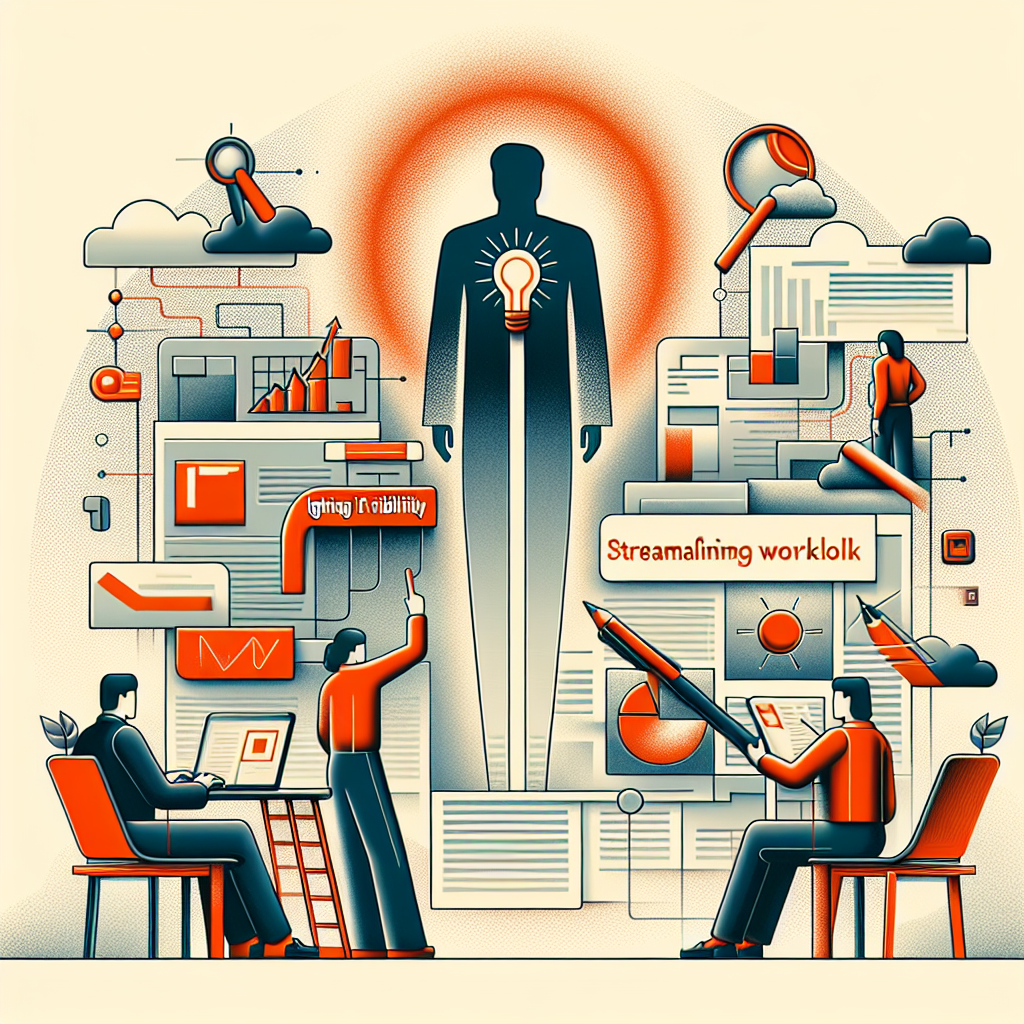
Recent updates from PDQ aim to improve how IT teams see and manage their systems. The new features help organizations keep track of software and hardware more easily. For instance, the Software tab offers a clear view of all installed applications across devices, making it simple to find outdated or vulnerable software. Additionally, the introduction of a PowerShell Scanner allows teams to gather custom device data efficiently. This flexibility enables IT administrators to write or upload scripts, validate results, and quickly act on insights. These tools reduce manual effort, helping teams respond swiftly to issues without unnecessary delays. Overall, the updates focus on making IT operations more transparent and efficient, aligning with the goal of supporting human progress through technology.
Practical Tools for Better Organization and Integration
PDQ also expands its library of deployment packages, with over 500 validated options ready for use. This growth helps IT departments deploy critical software faster and more reliably, saving time and resources. Furthermore, new integrations with tools like Zapier, Freshworks, and Jira allow PDQ to fit smoothly into existing workflows. Teams can trigger actions within familiar platforms, making automation and communication more effective. The platform’s new Help menu provides quick access to relevant documentation and support resources, enhancing user experience. Additionally, folder-based organization within the package library offers a structured way to manage large numbers of deployment files. These practical improvements support widespread adoption, helping organizations operate more confidently in an ever-changing technological landscape.
Stay Ahead with the Latest Tech Trends
Learn how the Internet of Things (IoT) is transforming everyday life.
Access comprehensive resources on technology by visiting Wikipedia.
CyberTech-V1
