

Top Highlights
-
TeamUpdraft was breached, potentially exposing customer data and UpdraftCentral, UpdraftVault, and UpdraftClone connection keys; payment details were not stored in the affected database.
-
Attackers used valid UpdraftCentral keys to install backdoors on connected WordPress sites, creating hidden accounts that could enable persistent access and further compromise.
-
TeamUpdraft revoked and replaced keys, reset accounts, and released updated plugins. Users should change passwords, reset 2FA, update plugins, disconnect and reauthorize services, and inspect sites for rogue plugins or admin accounts.
- Check for compromise promptly: affected sites may have had an active cloud-hosted UpdraftCentral connection. Researchers published suspicious plugin names, accounts, and IP addresses; older UpdraftPlus versions may face additional risk.
Stolen keys opened a route to WordPress sites
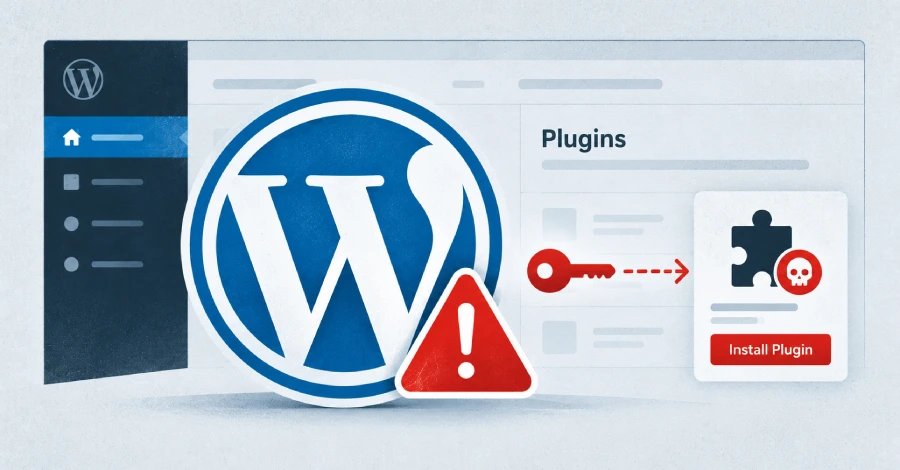
Attackers breached TeamUpdraft’s website and may have accessed customer records, including connection keys for its cloud services. They used valid UpdraftCentral keys to send commands to connected WordPress sites and install malicious plugins.
The plugins could create hidden user accounts with powerful permissions. Removing a malicious plugin might not remove the account it created, so attackers could keep access. Investigators observed the activity over an 18-hour period on October 18 and 19.
The risk mainly affects sites that used UpdraftPlus and had an active connection to TeamUpdraft’s cloud-hosted UpdraftCentral service. TeamUpdraft says the UpdraftPlus plugin itself, self-hosted UpdraftCentral, and backups stored in customers’ own accounts did not suffer direct impact. The company also says its database held no payment details.
Disconnect, update, and check site accounts
TeamUpdraft reset affected credentials and released updates that disconnect older UpdraftCentral links. Site owners should install the latest UpdraftPlus version, remove old connection keys, and reconnect only after they secure their sites. They should also look for unfamiliar administrator accounts or plugins, change administrator passwords, and enable two-factor authentication.
These steps take time, especially for people who manage many sites. However, remote management tools can save hours of routine work, so securing their access matters. The incident shows why site owners should treat connection keys like passwords and check who can control their websites.
Discover More Technology Insights
Stay informed on the revolutionary breakthroughs in Quantum Computing research.
Discover archived knowledge and digital history on the Internet Archive.
DataProtection-V1
